Last updated: April 2026
Password Generator and Password Manager: Complete Guide 2026
Looking for the best password manager in 2026? A strong password is at least 12 characters long, unique for every account, and stored in a password manager. Reusing passwords is the most common reason people get hacked. Here we compare the best password managers and show you everything you need to protect your accounts.
What Makes a Password Strong?
Length beats complexity. A 16-character password using only lowercase letters is stronger than an 8-character one with numbers, uppercase letters and special characters. Computers brute-force short passwords quickly, regardless of how "complex" they look.
Here are the rules:
- Minimum 12 characters, preferably 16 or more.
- Unique for every single account. Never reuse.
- Not based on personal information (name, date of birth, address).
- Not common words or patterns (password123, qwerty, abc123).
The best strategy is to let a password manager generate and remember passwords for you. That way you don't have to think them up yourself, and you don't have to remember them.
Why Reuse Is Dangerous
When an online service gets hacked (and it happens all the time), usernames and passwords leak onto the internet. If you use the same password on multiple services, attackers can log in everywhere. This is called "credential stuffing" and is one of the most common attack methods.
Think of it this way: you wouldn't use the same key for your home, car and office. The same logic applies to passwords. Each password should be unique.
Password Managers: Let the Machine Remember
A password manager is a program that generates strong passwords, stores them encrypted, and fills them in automatically when you log in. You only need to remember one single master password to unlock the vault.
The most well-known password managers:
- Bitwarden: Free and open source. Works on all platforms. The best free option.
- 1Password: Paid service with a polished interface. Popular with families and businesses.
- Apple iCloud Keychain: Built into iPhone, iPad and Mac. Works well if you're in the Apple ecosystem.
- Google Password Manager: Built into Chrome. Simple, but limited to the Google ecosystem.
Choose one and use it consistently. Import existing passwords from your browser. It takes a little time to set up, but you only need to do it once.
Two-Factor Authentication: An Extra Layer of Security
Two-factor authentication (2FA) means you need something more than just the password to log in. Usually a code from an app on your phone or a physical security key.
Even if someone gets hold of your password, they can't get in without the second factor. It's the most effective protection you can enable.
Here's how to prioritise:
- Your email account. It's the key to everything else. If someone has access to your email, they can reset all other passwords.
- Online banking and payment services.
- Social media.
- All other accounts that offer it.
Use an authenticator app (Google Authenticator, Microsoft Authenticator or Authy) rather than SMS codes. SMS can be intercepted through SIM swapping. Apps are safer.
Passkeys: The Password-Free Future
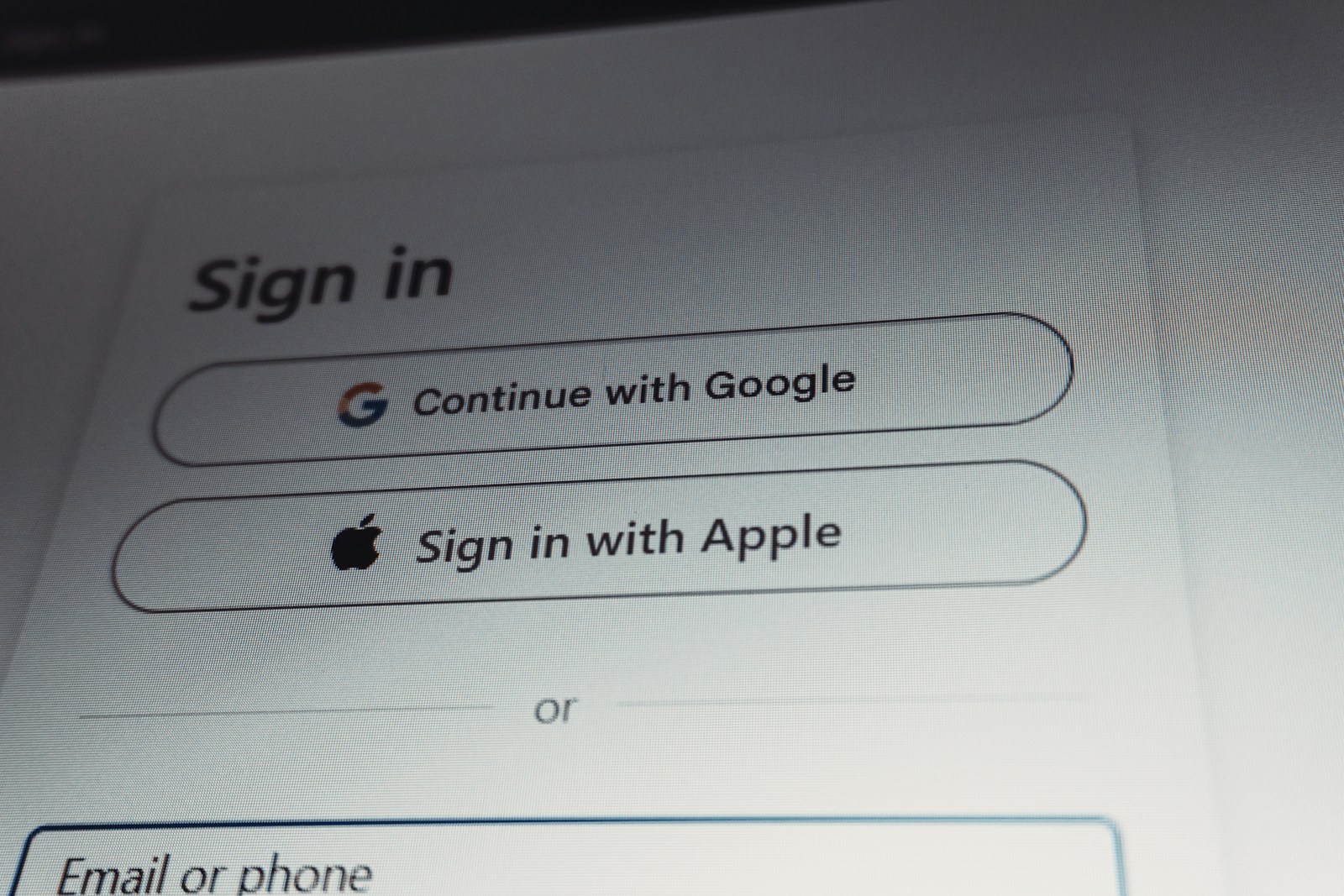
Passkeys are a new technology that replaces passwords entirely. Instead of typing in a password, you confirm your login with a fingerprint, face recognition or PIN code on your device. The password no longer exists, so it can't be stolen either.
Apple, Google and Microsoft all support passkeys. More and more websites are offering them as an alternative. It's worth enabling passkeys where they're available, but keep your password manager as a backup for services that don't support them yet.
The UK's National Cyber Security Centre (NCSC) has an easy-to-read guide on password security that's worth checking out.
What If Your Password Has Been Leaked?
Check whether your email address is involved in known data breaches. The service haveibeenpwned.com lets you check for free. If you find something, change your password on the affected service immediately.
Several password managers have built-in monitoring that alerts you automatically when passwords turn up in breaches. Enable this feature if it's available.
Tips for Your Master Password
The master password for your password manager is the only password you really need to remember. Make it strong. A good method is to use a passphrase: four to five random words strung together. For example "suitcase lamp forest toothbrush piano". Long, easy to remember, hard to guess.
Write it down on paper and keep it safely at home. It sounds old-fashioned, but a note in a drawer is much safer than a digital file. NorSIS has good advice on passwords tailored to Norwegian users.
Common Mistakes to Avoid
- Storing passwords in an Excel spreadsheet or text file on the desktop.
- Sending passwords by email or SMS.
- Sharing a Netflix password that's also used elsewhere.
- Using "remember me" on public computers.
- Ignoring alerts about data breaches.
Summary
Use a password manager. Enable two-factor authentication. Never reuse passwords. These three measures alone protect you against the vast majority of attacks. It takes an afternoon to set up, but it protects you for years. If you need help getting started, Datafolka can guide you through the setup.