Last updated: April 2026
Mac or PC for Study and Work? How to Choose the Right One
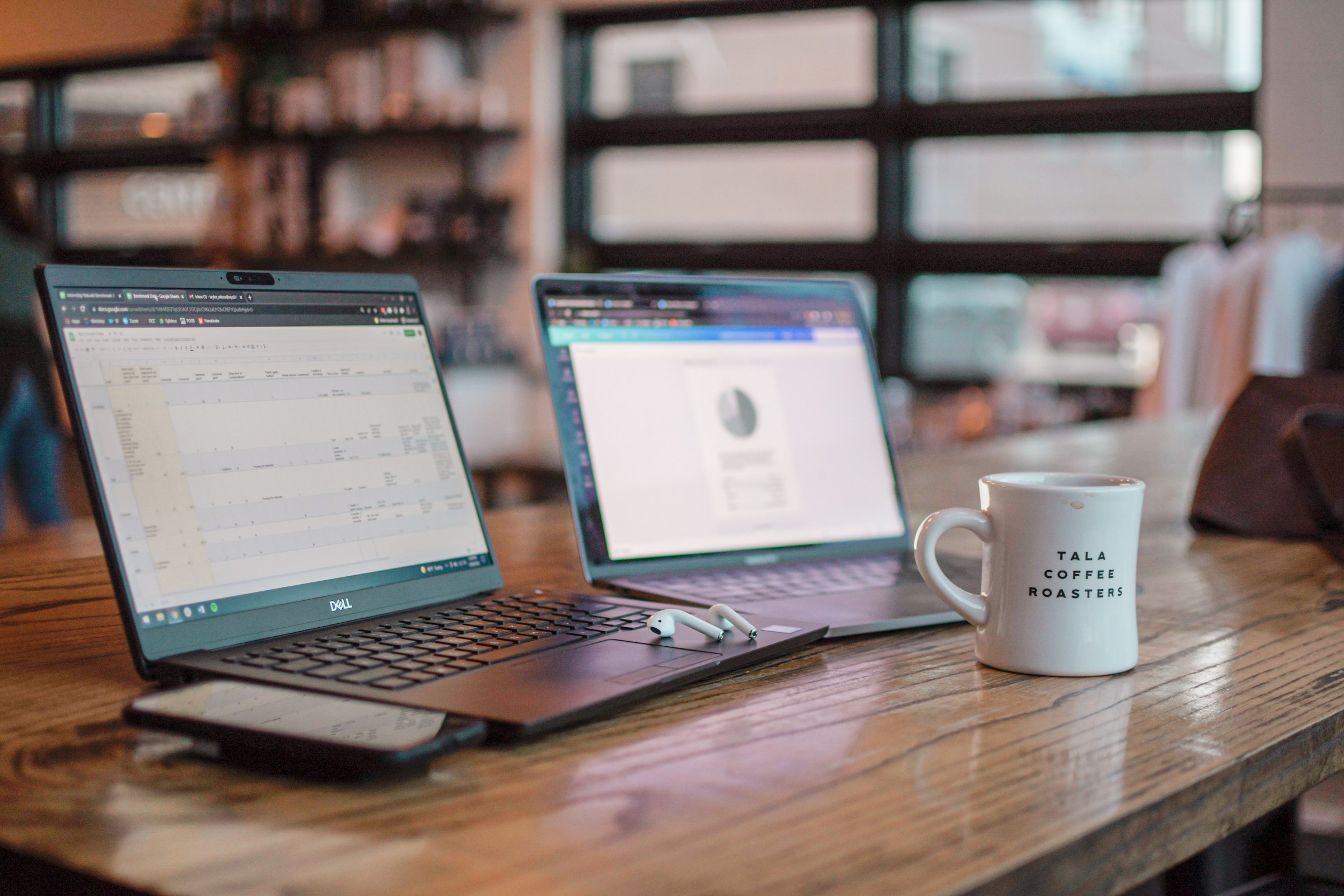
Mac or PC for studying? For work? Choose a PC if you need flexibility, do a lot of gaming, or have a tight budget. Choose a Mac if you work with creative content, prefer a simple and stable system, or already use an iPhone and iPad. Here is an honest, neutral comparison with no commercial ties.
Price: PC wins on budget
PCs are available at every price point, from basic entry-level machines to high-end gaming rigs costing several thousand. You get significantly more hardware for your money with a PC.
Mac starts higher. The cheapest MacBook Air costs around 1,300 USD / 13,000 NOK. You get a solid machine, but you pay a premium for the brand and ecosystem. Over time, Macs can hold their resale value better, but that rarely justifies the price difference on its own.
User experience: Mac is simpler
macOS is known for being intuitive and consistent. Apple controls both the hardware and software, which delivers a polished experience with fewer compatibility issues. The system requires little maintenance and is fast right out of the box.
Windows 11 has improved considerably in recent years and is a mature, intuitive operating system. But because it has to run on thousands of different machines, driver problems or compatibility conflicts occasionally arise. Microsoft continuously works on improving Windows.
Software: PC has the widest selection
Most applications are available on both platforms: Office, browsers, Spotify, Zoom, and the common everyday tools. But there are exceptions. Specialised business software is more often available for Windows. Certain accounting systems, industry solutions, and older software exist only on PC.
Mac has strong creative tools. Final Cut Pro, Logic Pro, and Apple's free iWork suite are exclusive to Mac. Many developers and designers prefer Mac because the Unix-based terminal and Retina displays provide a smooth workflow.
Gaming: PC by a wide margin
If you play PC games, the choice is straightforward: go with PC. Windows has by far the largest game library, supports all major gaming platforms (Steam, Epic, Game Pass), and allows you to upgrade your graphics card as needed.
Mac has improved at gaming since the switch to Apple Silicon, but the selection is still limited. Many major titles are never released for Mac. For casual gaming Mac is fine, but for serious gaming PC is the only real option.
Work and productivity
Both platforms handle office work excellently. Microsoft 365 works just as well on Mac as on PC. For most office jobs, the choice of platform makes little practical difference.
Some industries lean toward particular platforms. Creative fields (design, video, music) gravitate toward Mac. IT, finance, and engineering tend to use PC more. But these are traditions, not technical limitations. An experienced IT partner can help you assess what suits your work situation.

Durability and lifespan
Macs are known for lasting a long time. Five to seven years of use is typical. Apple provides software updates for many years and build quality is consistently high.
PCs vary more. Budget models can feel sluggish after two to three years, while quality machines from Lenovo ThinkPad, Dell XPS, or HP EliteBook often last just as long as a Mac. The advantage with PC is that you can often upgrade RAM and storage yourself, which extends the lifespan.
Ecosystem: Apple draws you in
Do you have an iPhone, iPad, and AirPods? Then a Mac works seamlessly with all your devices. AirDrop for file sharing, Handoff for continuing work across devices, and iMessage on the computer. Apple's Mac range is designed to fit perfectly into this ecosystem.
Windows has its own ecosystem with OneDrive, Microsoft 365, and Phone Link for Android phones. It works well, but the integration is not as tight as Apple's.
Repairs and servicing
Macs are difficult to repair yourself. Apple uses proprietary screws, glued-in batteries, and soldered memory. Repairs are done at an authorised service centre and can become expensive after the warranty period.
PCs are generally easier to repair and upgrade. Many laptops let you replace the SSD and battery yourself. On desktop PCs, you can replace almost everything. This saves money over time.
Our recommendation
Choose Mac if: You work with creative content, already own Apple devices, value simplicity, and your budget allows for it.
Choose PC if: You game, need specialised software, want the flexibility to upgrade, or want more hardware for your money.
Whatever you choose: invest in a machine with enough RAM (at least 16 GB) and SSD storage. These are the two factors that matter most for day-to-day performance. Want specific specs and price ranges? See our laptop buying guide 2026 with recommendations per use case.