Last updated: April 2026
Best laptop 2026: How to choose the right one

Looking for the best laptop in 2026? The most important rule: buy for your use case, not for the specifications. An office machine does not need a gaming graphics card. A student machine does not need 32 GB of RAM. Here we explain what you should prioritise and help you choose the right laptop for work, studies, or gaming.
Processor: The brain of the machine
The processor (CPU) determines how fast the machine is. In 2026 there are two main players for laptops:
- Intel Core Ultra: Intel's latest generation with a built-in AI accelerator (NPU). Core Ultra 5 is solid for most users. Core Ultra 7 and 9 for demanding tasks.
- AMD Ryzen: Competitive on performance and price. Ryzen 5 for everyday use, Ryzen 7 for creative work and gaming, Ryzen 9 for heavy production.
For office work and web browsing, a Core Ultra 5 or Ryzen 5 is more than enough. Do not pay extra for a top-end processor if you mainly use the browser, Office, and Teams.
RAM: How much do you need?
RAM is the working memory the machine uses to keep programs and tabs open. More RAM means you can have more open at once without the machine slowing down.
- 8 GB: Absolute minimum. Works for basic web browsing, but you will notice limitations with many tabs open.
- 16 GB: What we recommend for most users in 2026. Office work, web browsing, Teams, light photo editing. Microsoft recommends 16 GB for Windows 11 with Copilot features.
- 32 GB: For video editing, software development, heavy multitasking, and gaming.
- 64 GB+: For professional 3D modelling, large datasets, and virtualisation.
Important: many laptops today have soldered RAM that cannot be upgraded. Buy enough from the start. Going from 8 to 16 GB is the single upgrade that makes the most noticeable difference.
Storage: SSD is a requirement
All new PCs should have an SSD (Solid State Drive). Traditional hard drives (HDD) are too slow for modern use. An SSD means the machine starts up in seconds, programs open quickly, and everything feels snappier.
- 256 GB: Tight, but manageable if you use cloud storage and do not save much locally.
- 512 GB: What we recommend for most users. Enough space for programs, documents, and a fair number of photos.
- 1 TB: For those who store a lot locally, work with video, or play many games.
Look for an NVMe SSD for best performance. It is standard on most new machines. SATA SSD is slower, but still far better than HDD.
Display: Size, resolution, and panel type
For laptops, screen size is a trade-off between portability and workspace:
- 13 to 14 inches: Light and portable. Perfect for commuting and travel.
- 15 to 16 inches: Good balance between size and portability. Most popular for office and school.
- 17 inches: Almost like a desktop. Heavy to carry, but a great screen area.
Go for Full HD (1920x1080) as a minimum. Many new machines have 2K or 2.8K resolution, which gives sharper text and images. OLED screens have great colours and deep blacks, but are more expensive and can suffer burn-in over time. IPS is a safe choice for most users.
Battery: Hours that matter
Manufacturers quote battery life under ideal conditions. In practice you get 60 to 70 percent of the stated figure. A machine rated at 12 hours will realistically give you 7 to 8 hours.
For those who work a lot on the go, battery life is critical. Look for machines with at least 10 hours of rated battery life. ARM-based Windows machines (Snapdragon X) and MacBooks generally have the best battery life in 2026.
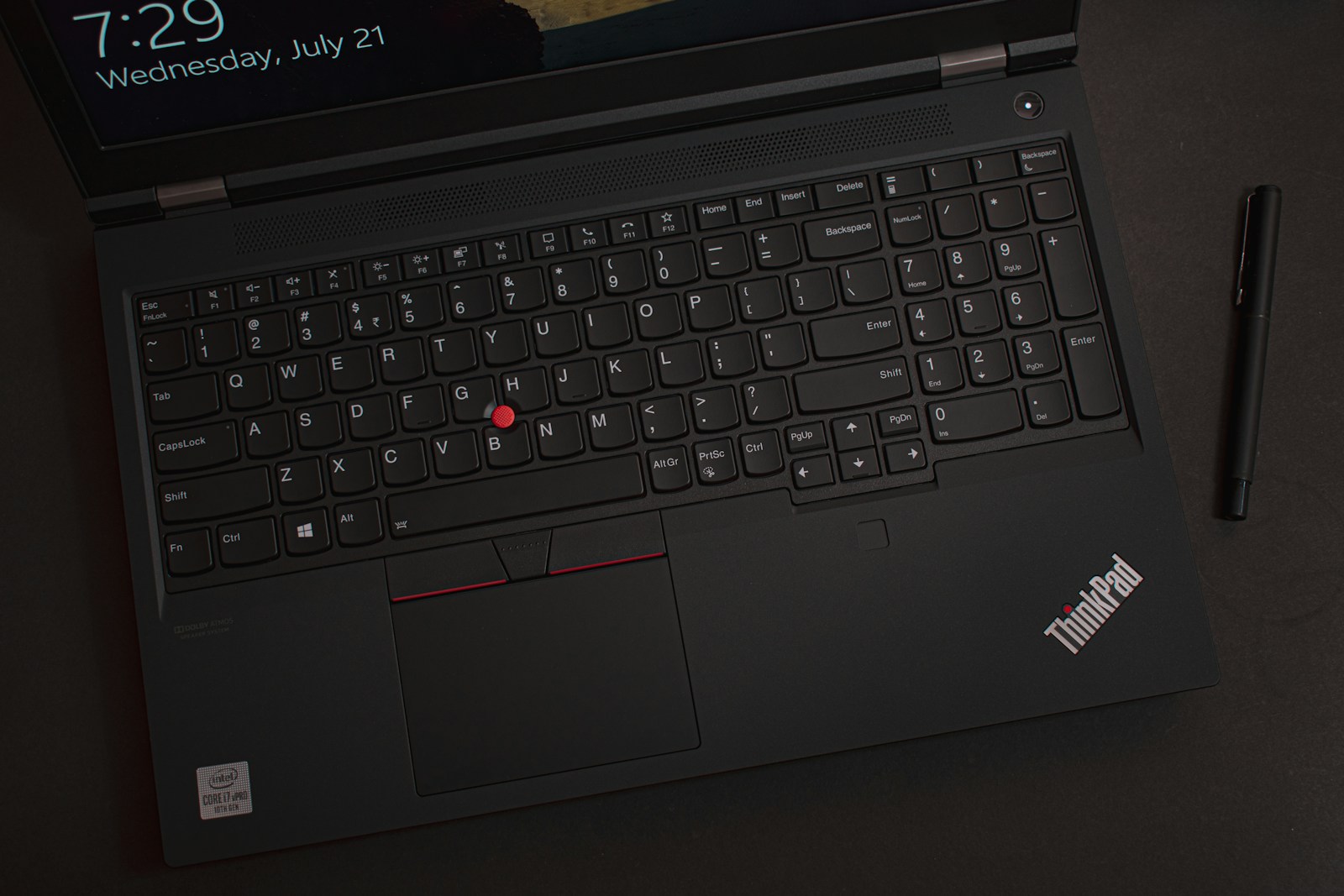
Recommended machine by use case
Office work and home use
Core Ultra 5 or Ryzen 5, 16 GB RAM, 512 GB SSD, 14 to 15-inch display. Budget: 7,000 to 12,000 NOK. Good options: Lenovo IdeaPad, HP Pavilion, Acer Swift.
Student
Light and portable with good battery. 13 to 14 inches, 16 GB RAM, 256 to 512 GB SSD. Budget: 6,000 to 10,000 NOK. Good options: Lenovo ThinkPad E-series, ASUS VivoBook, MacBook Air (used or with student discount).
Gaming
Dedicated graphics card (NVIDIA RTX 4060 or better), Ryzen 7 or Core Ultra 7, 16 to 32 GB RAM, 1 TB SSD, high refresh rate display (144 Hz+). Budget: 12,000 to 25,000 NOK. Good options: ASUS TUF Gaming, Lenovo Legion, MSI.
Creative work
Colour-accurate display (sRGB 100%), Core Ultra 7 or Ryzen 7, 32 GB RAM, 1 TB SSD, dedicated graphics card for video editing. Budget: 15,000 to 30,000 NOK. Good options: MacBook Pro, Dell XPS, ASUS ProArt.
Other things to consider
- Keyboard: Test the keyboard if possible. You use it all day. Some keyboards are quiet and comfortable, others are shallow and imprecise.
- Ports: Check that you have enough USB-C/Thunderbolt ports. HDMI is useful for an external monitor. SD card reader for photographers.
- Webcam: Important for video meetings. Full HD (1080p) is preferable. Many budget PCs still have poor 720p cameras.
- Weight: Under 1.5 kg for light commuting. Up to 2.5 kg is fine for those who rarely carry the machine.
- Warranty: Standard is 2 years. Consider extended warranty for expensive machines.
Tips for saving money
Tek.no regularly publishes updated buying guides with tests and price comparisons. Other tips:
- Buy in August/September when new models arrive and last year's models are discounted.
- Black Friday in November offers good deals, especially on last year's models.
- Consider refurbished machines from reputable retailers. You can save 30 to 50 percent.
- Do not pay for more than you need. A machine at 8,000 NOK will last many years for office work.
Not sure what you need? An IT advisor like Datafolka can help you find the right machine for your needs and make sure it is set up and ready to use. Considering Mac vs PC? We have a dedicated comparison of the two platforms.
Frequently asked questions about buying a PC
- How much RAM do I need in 2026?
- 16 GB is recommended for most users. 8 GB is the absolute minimum and will feel slow with many browser tabs open. 32 GB is needed for video editing, development, and gaming. Important: many laptops have soldered RAM that cannot be upgraded.
- What does a good laptop for office work cost?
- A good office machine with Core Ultra 5/Ryzen 5, 16 GB RAM and 512 GB SSD costs between 7,000 and 12,000 NOK. You do not need gaming specifications for email, Office, and browsing.
- Is an SSD necessary in 2026?
- Yes, an SSD is a requirement. Traditional hard drives (HDD) are 5–20 times slower. All new PCs should have an NVMe SSD for fast startup and program loading. 512 GB is the recommended size for most users.
- What screen size should I choose?
- 13–14 inches for light commuting, 15–16 inches for the best balance between workspace and portability (most popular), and 17 inches if you rarely carry the machine.
- When is the best time to buy a new PC?
- August/September when new models launch and last year's models are discounted, or Black Friday in November. Also consider refurbished machines from reputable retailers for 30–50% savings.